
Get 50% OFF

Use this special code for embroidery digitizing & vector art services.

DIGIDEC50

*Limited-time offer for embroidery digitizing and vector art orders.

logo
logo

Image to Vector Converter Online AI

Our pic to vector free tool turns every image into smooth, clean SVG files ready for print, web, or embroidery.
No need to trace manually - the major part of work is done by Digitizing AI.

or drop a file

How to Use Our Free Vectorizer AI

There has never been a simpler way of converting raster images to editable vector art. To convert your pictures to the quality of a professional level in a vector file, just follow these few steps:

Upload Your File

1. Upload Your File

It only takes a JPG, PNG, or WEBP image and uploads it. Our tool is compatible with all popular formats, which is why it is ideal to use when making fast conversions.
AI Cleans and Converts

2. AI Cleans and Converts

Using smart algorithms, our free AI vectorizer enhances clarity, smooths edges, and preserves color details. It automatically recognizes contours and converts them into shape paths.
Download Your SVG File

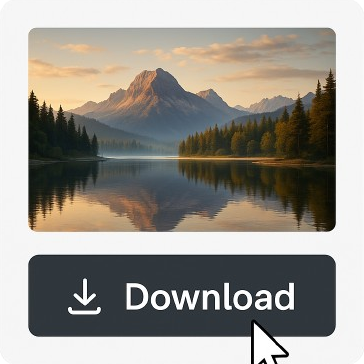
3. Download Your SVG File

Processing Complete your new file downloaded instantly in SVG format. It can be used with such popular programs as Adobe Illustrator, CorelDRAW, and Inkscape.

Why Choose Digitizing AI's Pic to Vector Free Tool

Why Choose Digitizing AI's Pic to Vector Free Tool

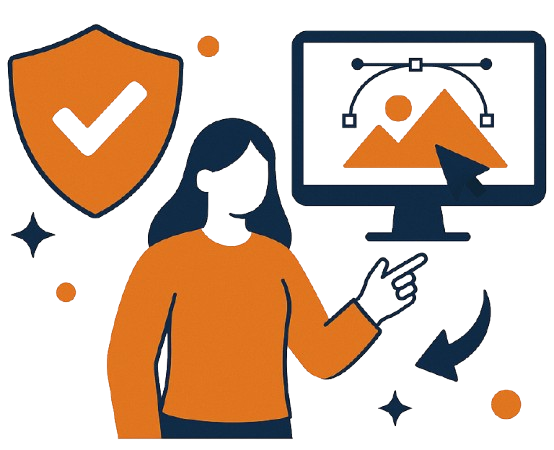
Our Image to Vector Converter is an AI application that is faster, better, and user-friendly. This online image converter provides the results of a professional level without any learning curve whether you are working on a company logo or a creative project.

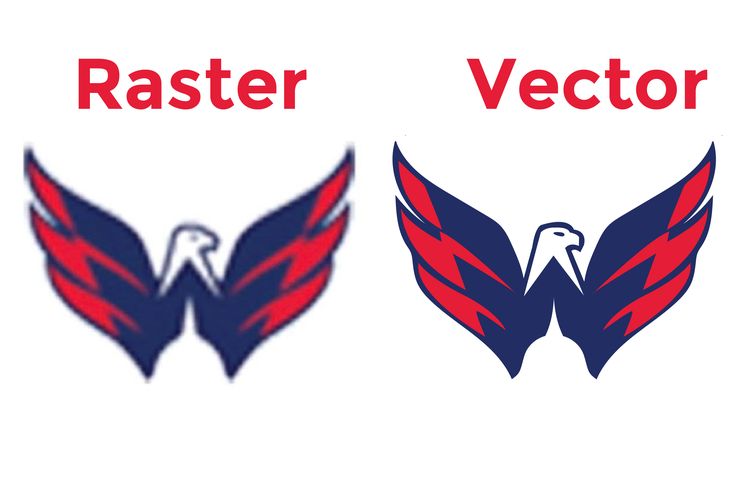
Comparison Before and After: Raster vs. Vector.

Comparison Before and After: Raster vs. Vector.

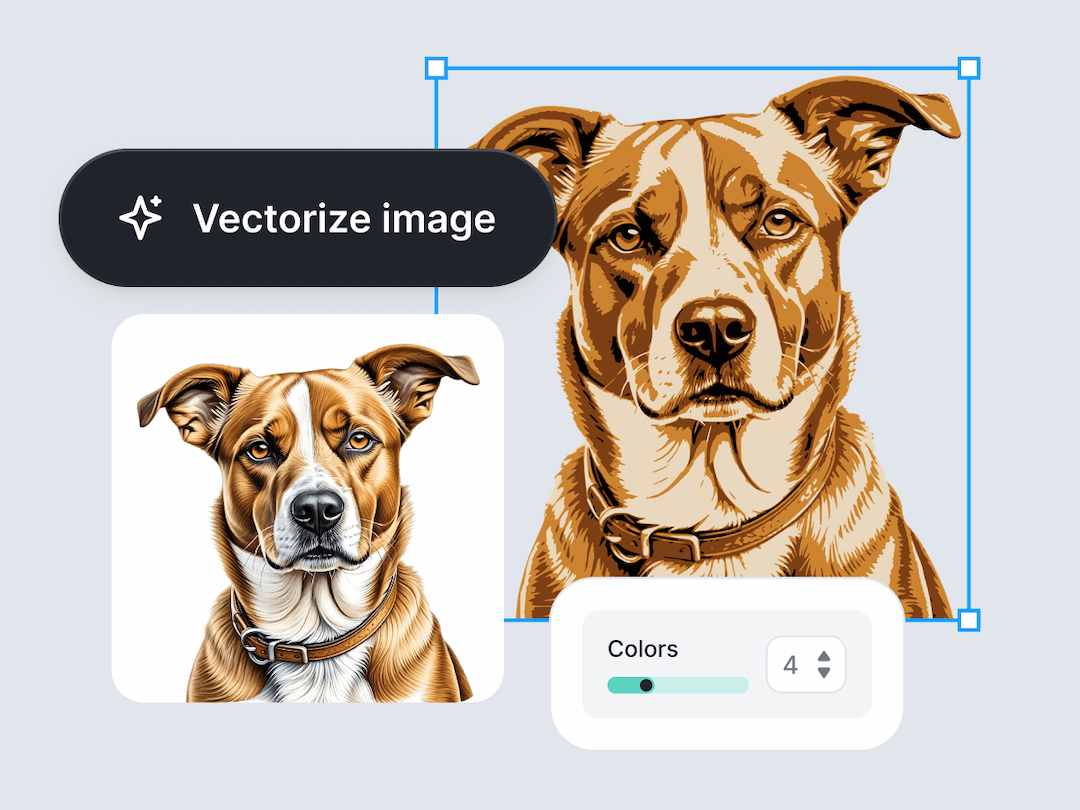
See the magic for yourself. Upload a pixelated image and watch our AI transform it into a clean, scalable vector AI design. Edges are made smooth, details are sharpened and the artwork is made ready to be resized indefinitely - without loss of quality. That is what distinguishes between average converters and the intelligent process of vectorization of Digitizing AI. File Support and Compatibility There is no file compatibility with Windows XP, means no 32-bit compatibility. At Digitizing AI, we ensure that each user has the freedom of full flexibility. Supported Image formats JPG, PNG, WEBP.

Output Format: SVG

Output Format: SVG

Every SVG file can be completely edited in the mainstream software like Adobe Illustrator, CorelDRAW, and Inkscape. You are able to change colors, add text or combine your new design into branding projects, apparel embroidery and digital prints with ease.
Coloring in: Vectorize Your First Image.

Coloring in: Vectorize Your First Image.

Upload your photo or design today and experience how Digitizing AI makes pic to vector free conversion effortless. All You need is one click in your browser to make anything that looks beautiful as a print-ready vector graphic. Create Free with Our AI Image to Vector Converter and have your imagination fine-tuned using artificial intelligence.

Frequently Asked Questions